Atola Technology

Atola Insight 1.3.7

New version of Atola Insight is released.

Changelog is available here:
http://atola.com/products/insight/changelog

For Insight customers we have also installed our new forum. In order to register on the forum you need to open it for the first time from Insight’s Help menu.

We believe that this forum will improve communication between you and Insight’s developers and will help to share  knowledge about data recovery among Insight users.
You are welcome!

Our first video tutorial about Atola Insight

We are glad to inform that our first video tutorial about Insight has just been recorded. It describes the parts of the main screen of Atola Insight and targeted on new users mostly.

The first video tutorial about Atola Insight

We are going to present a series of other video tutorials about our software soon.

If you are interested in explanation of that or another part of Atola Insight in a video tutorial, please write about it in a comment to this post! Feel free to write comments because your opinion is really important for us.

New speed of disk imaging from Atola Insight

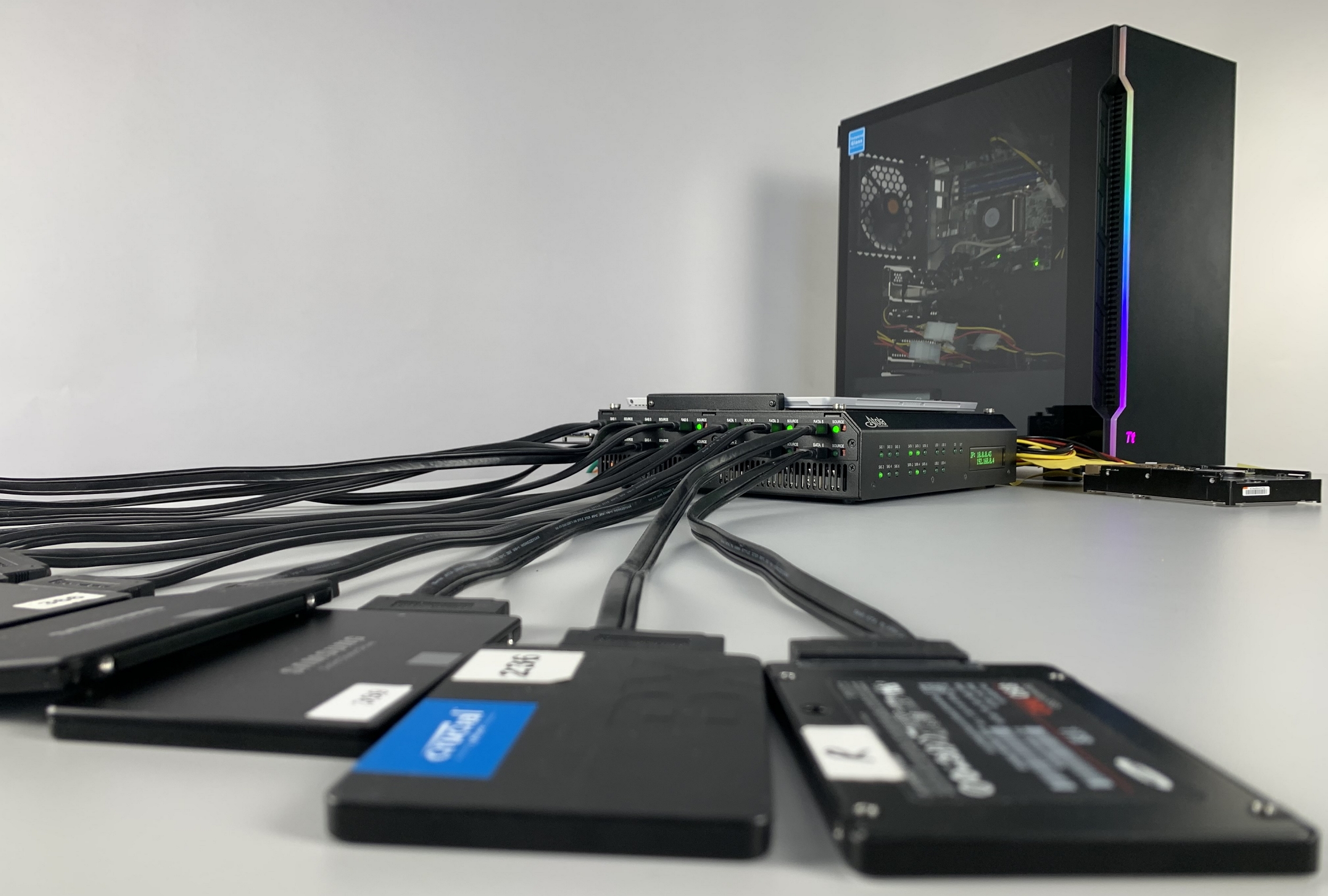
We are glad to inform you about new exciting feature of the second version of DiskSense unit – DiskSense Ethernet. It solves the problem of speed limitation by USB 2.0 interface completely.

Steps to achieve a high speed of imaging

  1. If you have DiskSense Ethernet unit, you should attach one disk as source and another disk as destination to it.
  2. Run the latest version of Atola Insight.
  3. Click on Imaging and make a very short setup of your disk duplication process.
  4. Start imaging!
 

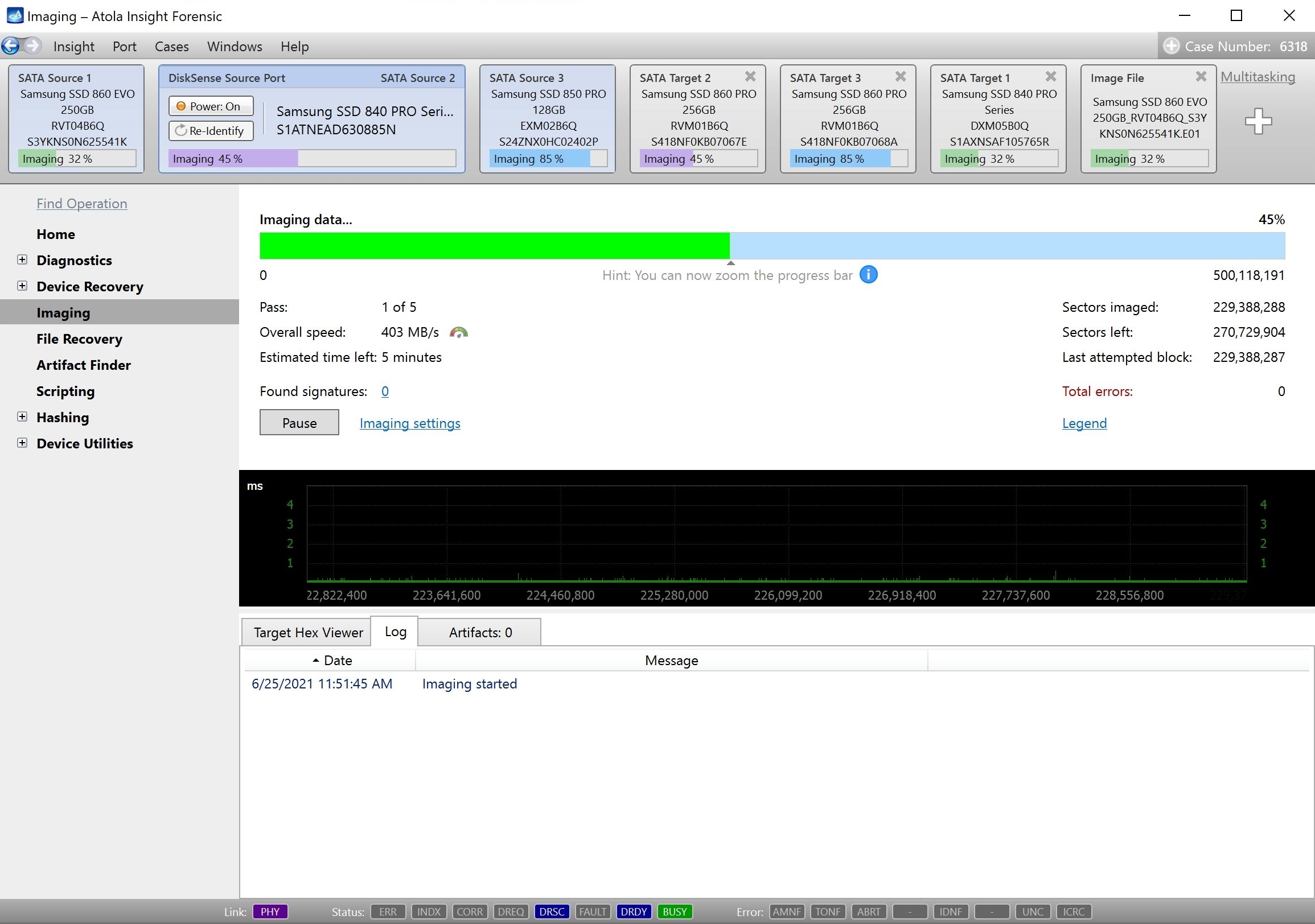
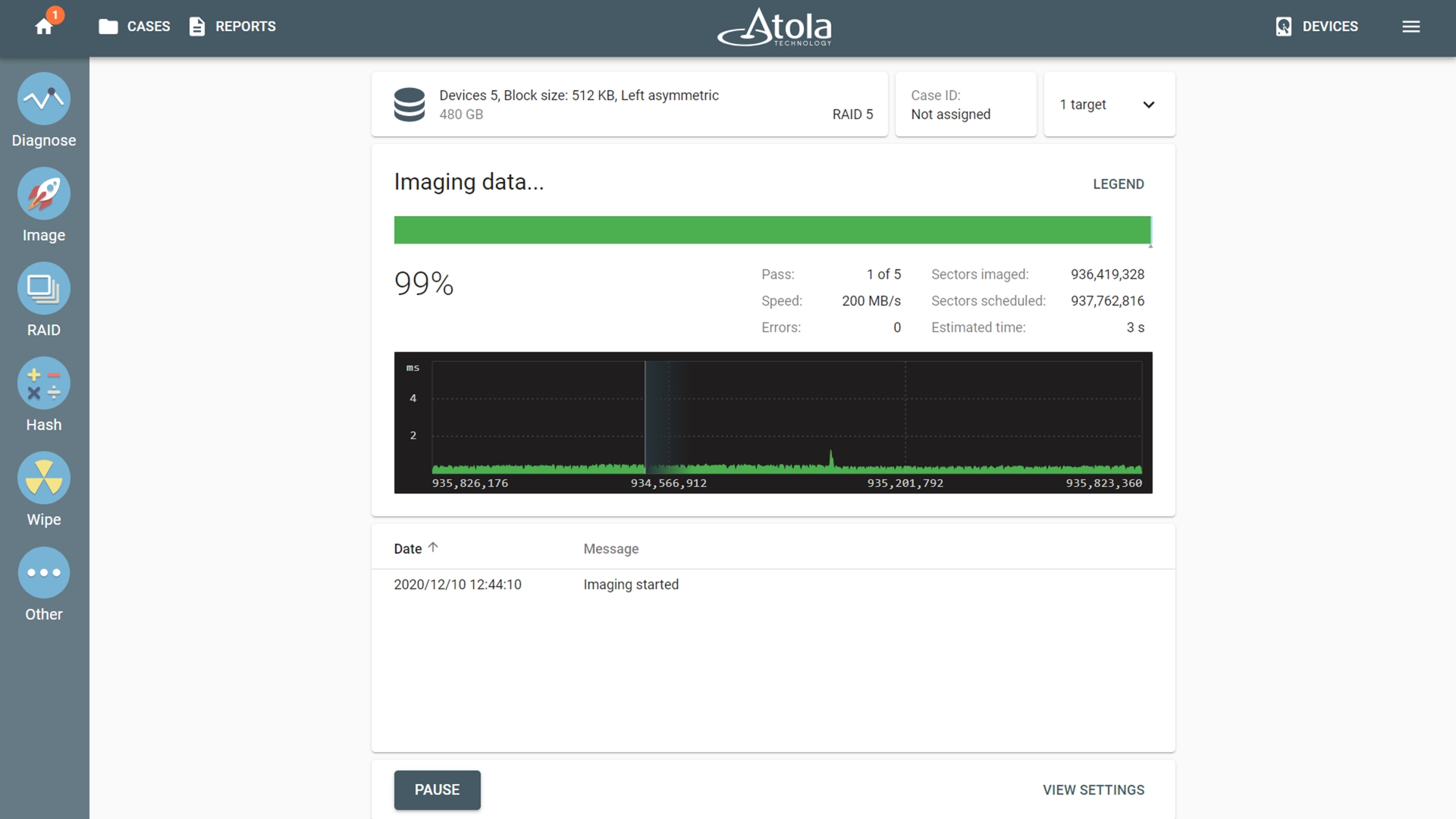
As a result you will see something like this:

Atola Insight - new speed of disk imaging

In the current case we can see that data is being copied from SAMSUNG HD250HJ to WDC WD800AAJS-00PSA0 with overall speed of 47 MB/s.

Atola Insight: First official release

Finally, after more than two years of development, we are releasing the first version of Atola Insight. I would like to thank all beta testers who provided their priceless feedback, it helped a lot!

The software is still far from being complete, and we are continuing our work on making it better. We plan to release new versions of Atola Insight every 2 to 4 weeks, so that all users enjoy new features as soon as we implement them.

Our plans for the upcoming releases:

  • Better automatic diagnostics
  • More disk imaging/duplication options
  • Full firmware access for more hard drives
  • Online firmware repositories
  • Better file recovery engine

You can view full Atola Insight changelog at http://atola.com/products/insight/changelog.

We are also working on a new DiskSense unit that would not be affected by any speed limitations when performing disk imaging and duplication tasks (currently the transfer speed is limited by USB 2.0 interface). The unit is already in development and we expect it to be ready for shipping by May 2009.

Atola Insight 0.85

On September 15th, we have released a new version of Atola Insight Beta. I would like to elaborate on a new feature that we’ve added in this update. We call it Media Map.

Media Map

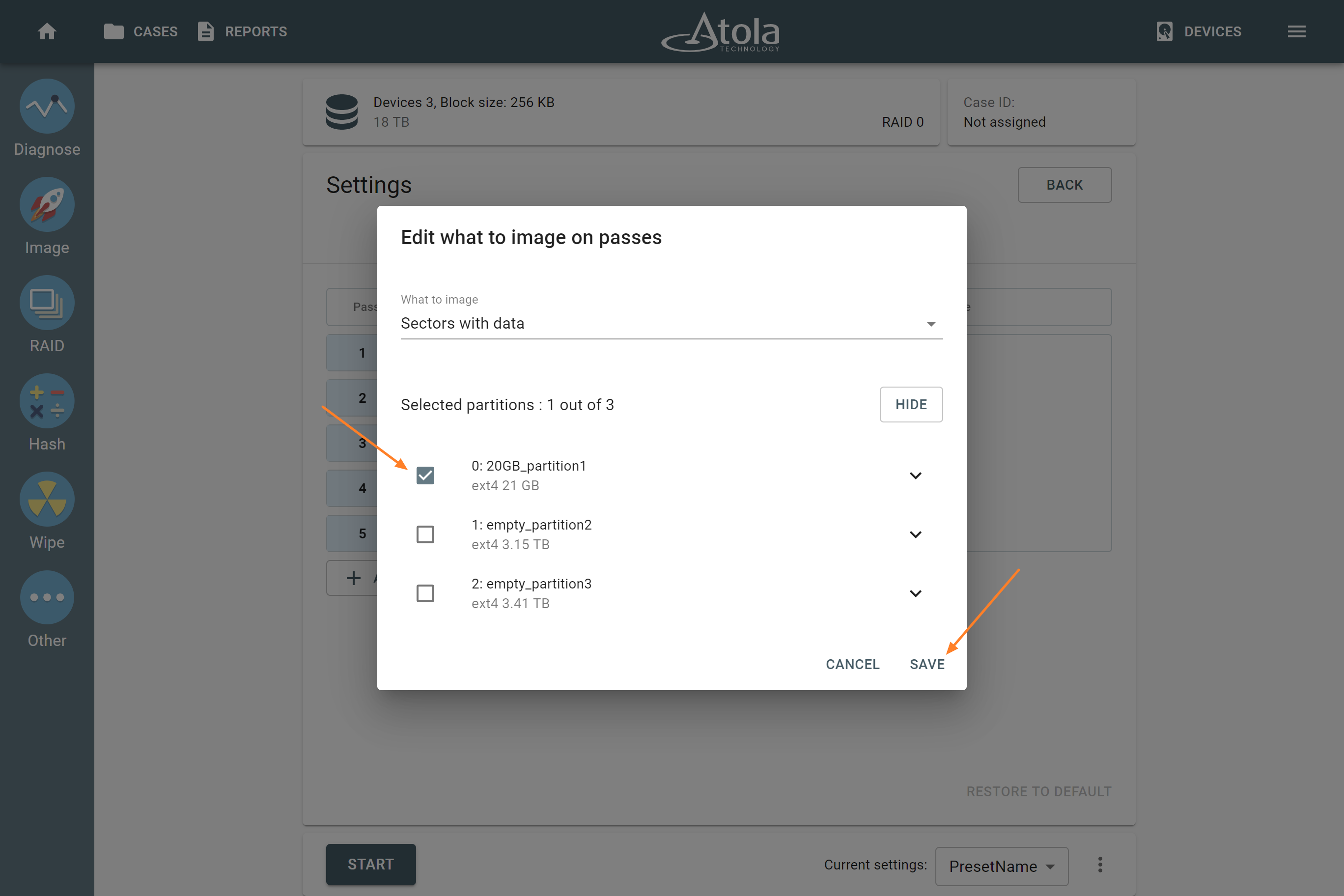
The process of copying data from the source drive is very important in data recovery. But reading every sector of the drive is not always needed and sometimes can be even harmful, especially when condition of the device is getting worse with the lapse of time.

Therefore, it is often reasonable to copy only the appropriate sectors – those which contain customer’s data and skip sectors which belong to the free space of the drive. Also it is often useful to manually specify regions which should or should not be copied.

To make this possible, we introduce media map – the tool which has flexible means specifying sectors to be read.

Filters

Media map is specified by a sequence of filters. Each filter can be used to include or exclude sectors from the map.

Currently the following filters are available:

  • Partition table (MBR and EBR-s)
    This filter contains sectors which make up a partition table: Master Boot Record and all Extended Boot Records.
  • Occupied space of partition
    Contains only sectors which belong to files on partition. Deleted files and free space are not included.
  • All sectors of partition
    Contains all sectors of the partition. This includes all deleted files and free space as well.
  • Entire disk
    Contains all sectors of the device.
  • Custom range
    Allows to specify custom sector range.


Example1

It is needed to duplicate a hard drive with two partitions on it with minimum number of read operations. We define the following media map:

(Include) Partition table (MBR and EBR-s)
(Include) Occupied space of partition0
(Include) Occupied space of partition1

By applying this map, only sectors which belong to existent files will be copied. All other sectors will be skipped.

Example2
We need to create an exact copy of source hard drive, but partition #2 does not contain any important data, so we’d like to skip the area that belongs to it. The following media map can be defined:

(Include) Entire disk
(Exclude) All sectors of partition2

Further development

Media map is a very flexible tool and we plan to evolve further. New filters which will allow copying by specific disk heads (or specific surfaces) are to be implemented.

If you’d like to provide feedback or have a technical question, please contact us.